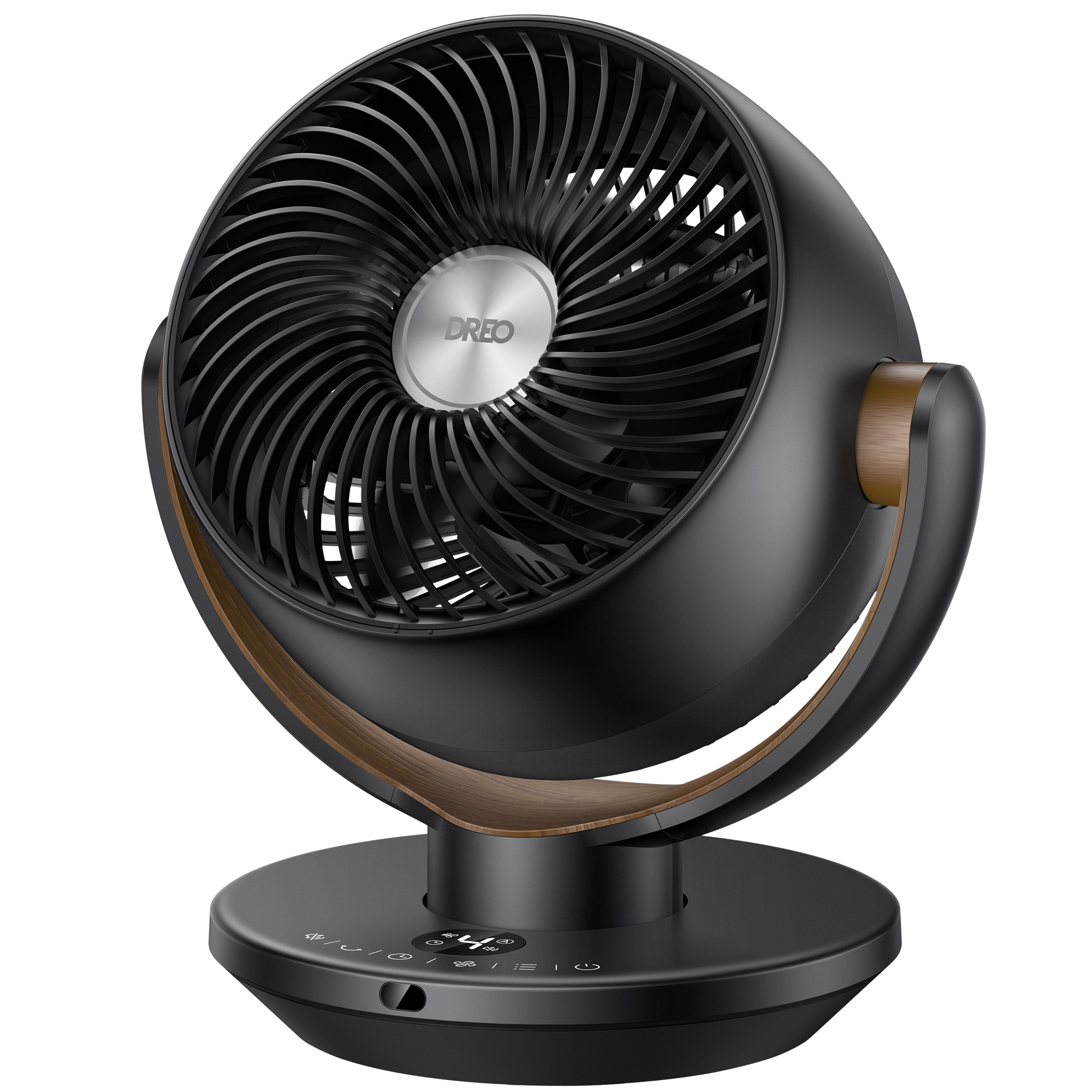
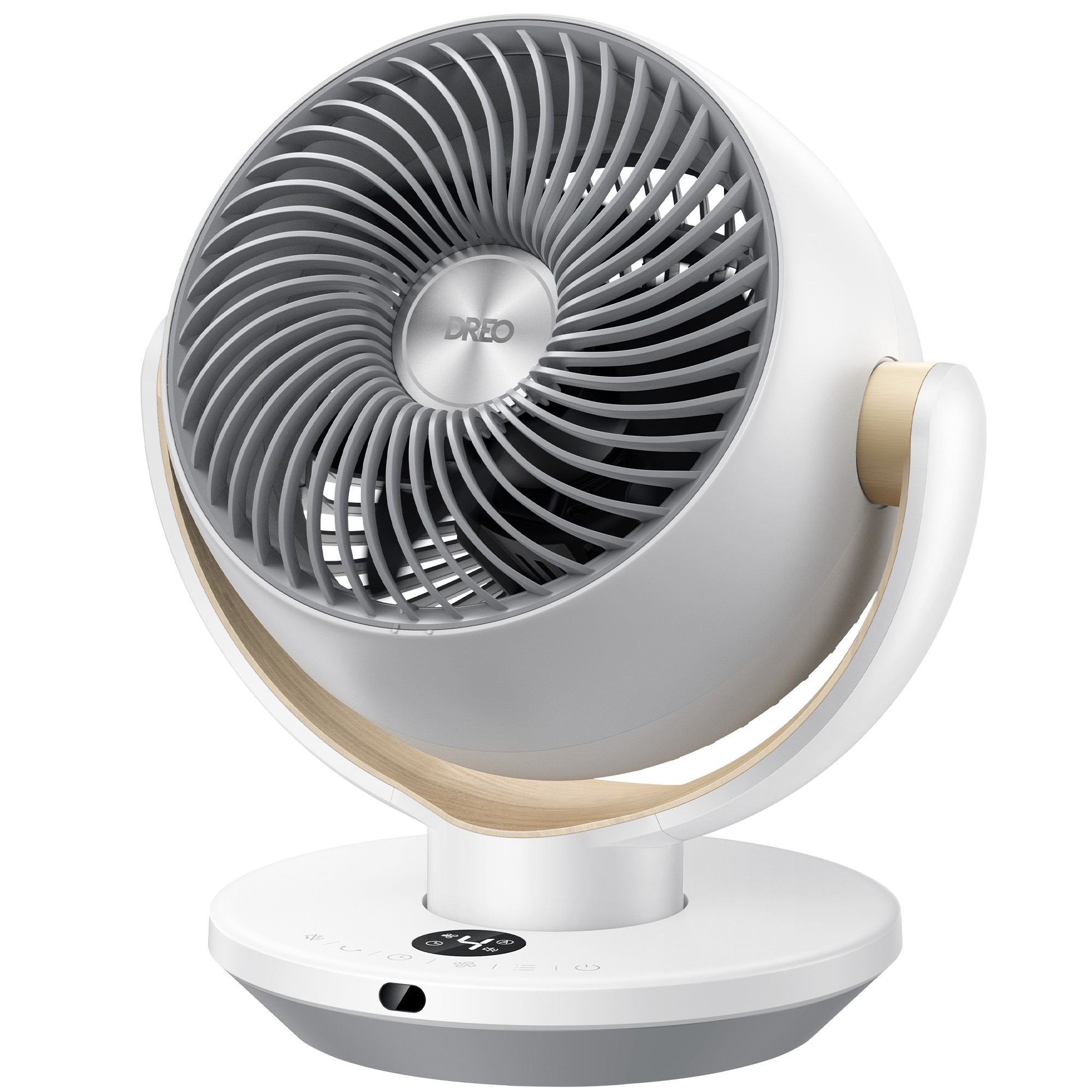
TurboPoly™ Table Fan 315
Version
Version
Documentation
- DR-HAF005 User Manual US2024-09-30
FAQ
Why can't the air circulator be turned on/off?
1. Ensure that the cord is connected to a powered outlet, and the mains voltage corresponds to the voltage indicated on the air circulator.
2. Check if the power adapter is securely inserted into the power outlet and the air circulator.
3. Press the power button on the control panel or via remote to turn on/off the air circulator.
4. If the smart socket is used, make sure the mechanical switch is at 1/2/3 level. Otherwise, the smart switch works, but the machine will not start immediately.Why is there no air coming out?
1. Replug the power adapter.
2. Check the air inlet/outlet and see if there are any obstacles or abnormal deformations.Why is the air circulator shaky and wobbling?
1. Check if the surface is flat.
2. Check if the base of the fan is normal, as foreign objects may affect stability.Why is the air circulator not powerful?
1. Switch the fan speed to a higher one.
2. Clean the inlet grills and test the air circulator again.Why is the air circulator not quiet?
1. Ensure correct installation or relocate the fan.
2. Please try to turn down the levels.Why can't the front net be removed?
1. Confirm that the set screws of the front mesh are removed.
2. Find a suitable Phillips screwdriver to remove the screws.Why can't the screws hang on the cement wall?
1. It is recommended to use the matching expansion screws in the package.