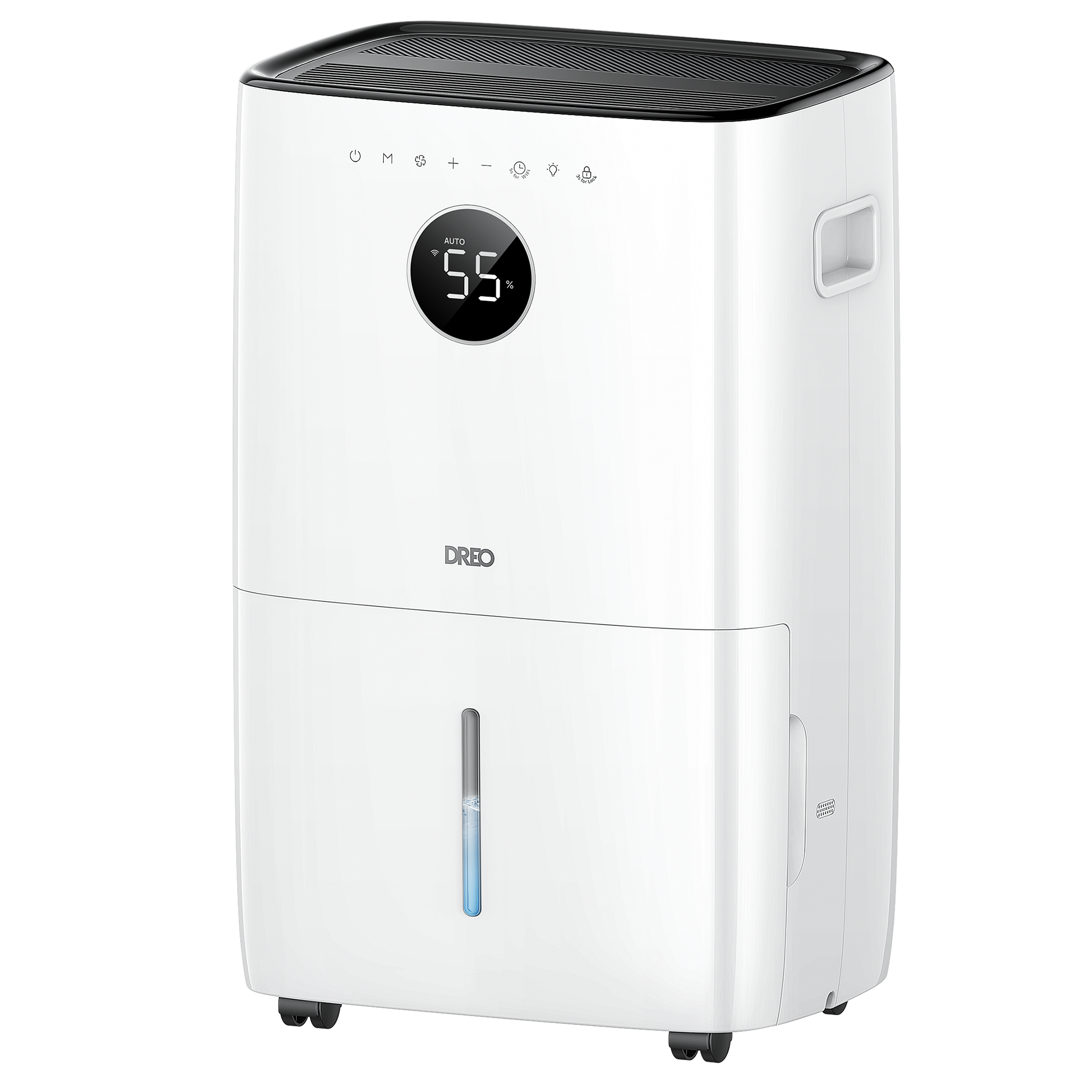
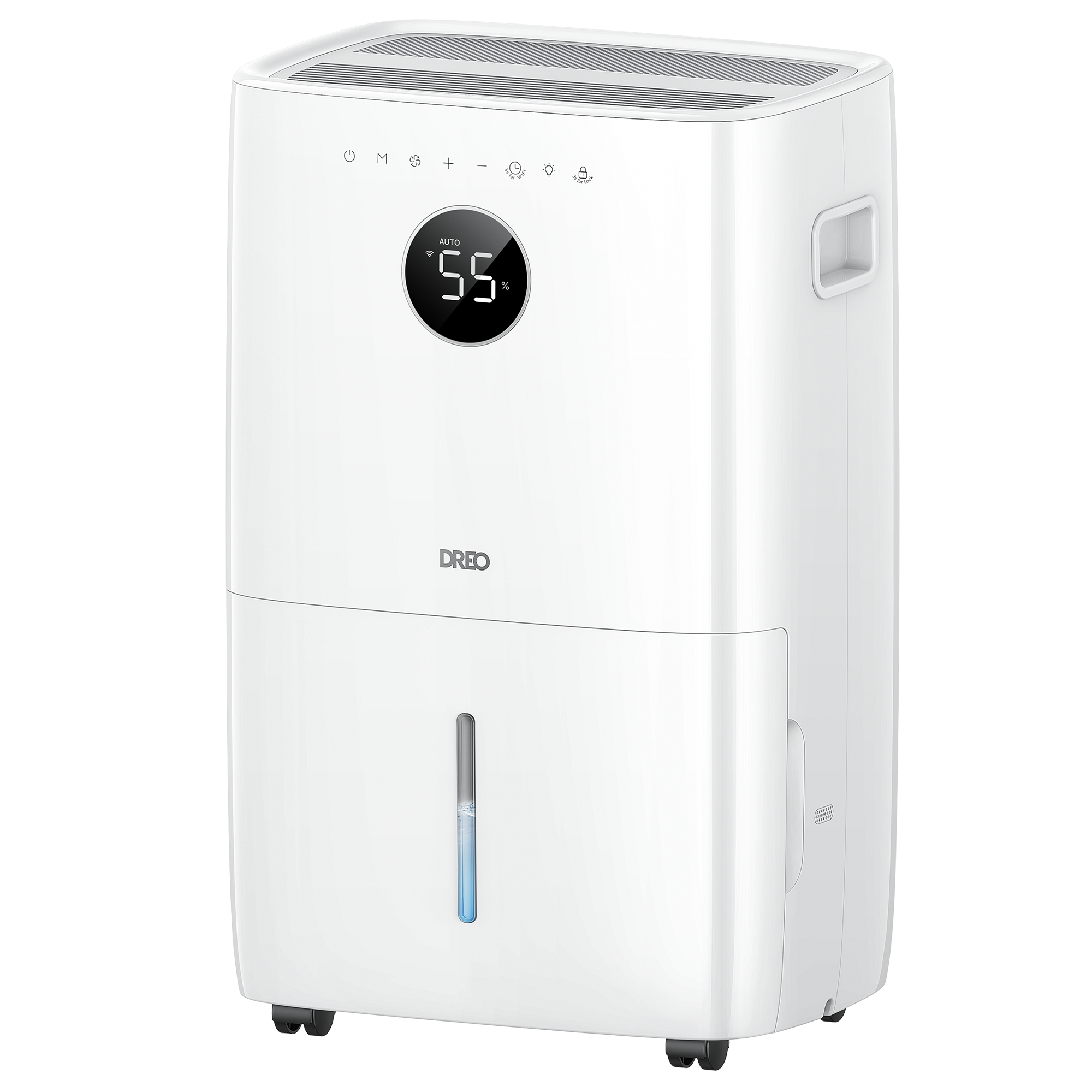
Dehumidifier 711S
Version
Version
Get Started
Deep Cleaning
Ensure optimal performance with our deep cleaning tips.
View Details >
Easy Cleaning
Discover easy cleaning steps for your dehumidifier.
View Details >
Continuous Drain
Find out how to enable continuous drain for your dehumidifier.
View Details >
Before First Use
Learn the essential setup steps before first use.
View Details >
Manual Drain
Follow this quick guide to manually drain your dehumidifier.
View Details >
Documentation
- DR-HDH001S User Manual US2025-06-09
FAQ
Does it support continuous drainage without needing to empty the tank?
You can connect a drain hose for automatic, continuous drainage.
There are two points to note:
- The highest point of the drain hose should not exceed the drain nozzle; the recommended length of the drain pipe is about 3 meters. If it is too long, the gravity will not be enough to drain the water.
- This gravity drainage has nothing to do with the mode of the device. As long as the water pipe behind is connected, the water will continue to drain.
Does the unit resume automatically after a power outage?
The device will resume operation with the previous settings once power is restored. Does this dehumidifier automatically stop when the tank is full?
The device will automatically switch to standby status when the tank is full of water.
How do I connect my dehumidifier to my mobile phone?
- Launch the DREO app and sign in or create an account by following in-app instructions.
- Enable Bluetooth on your mobile device and plug in your dehumidifier.
- Hold the Timer button for 5 seconds to start the WiFi connection settings. (Tip: The WiFi icon will keep flashing while pairing.)
- Tap + Add Device and select DH711S
- Follow in-app instructions to complete the WiFi connection.
What should I do if the device has no power?
- Check whether the wall socket is working properly and whether the circuit fuse is damaged.
- Check whether the device plug is deformed or damaged and whether the power cord is broken.
- Try using a different grounded outlet.
- Check whether the device plug is loose.
- Check whether the device can be turned on normally. The device display will be fully displayed once the plug is plugged in for about 2 seconds.
- Check whether the ambient humidity is lower than the set humidity of the dehumidifier.
- Check whether the water tank is full of water. If it is installed in place, the display will prompt the P1 code.
Why is my dehumidifier not dehumidifying?
- Check if the air coming out of the air vent is warm.
- Check whether the ambient humidity is lower than the set humidity of the dehumidifier.
- Check whether the air inlet on the back of the dehumidifier is blocked by foreign objects such as curtains.
- Check whether the filter of the dehumidifier is dirty.
- Check whether the running time is long enough (water will be discharged only after the equipment runs for about 1 hour).
Why is the dehumidifier coil frosting?
- When the ambient temperature is below 41°F, frost is normal, and the equipment can be defrosted normally.
- Check whether the equipment is partially frosted in the middle and lower parts.
Why is the dehumidifier leaking?
- Check whether the hose adapter and drain outlet cap are installed tightly.
- Check whether there is a sealing gasket on the drain hose and whether it is tightened.
- Check whether the drain hose is fully connected to the drain outlet.
- Check whether the water tank is damaged.
- Check whether the float of the water tank has fallen off and whether it can rotate normally.
- Check whether the water tank is installed in the correct position of the equipment.
- Check whether the device is placed horizontally.
Why is the dehumidifier not draining?
- Check whether the drain outlet of the device is blocked by foreign objects.
- Check whether the device is placed horizontally.
- Check whether the drainage hose is bent and flattened.
- Check whether the end of the drainage hose is blocked.
Why does the dehumidifier make noise?
- Check if there are any foreign objects falling into the air outlet.
- Check if the filter is dirty or blocked.
- Check if the air inlet of the dehumidifier is blocked by foreign objects such as curtains.
- Check if the product is placed horizontally and the wheels are suspended.
- Check if the filter is installed in the correct position.
Why does the dehumidifier show the E1 code?
1. Check if the ambient temperature is too high. (>35℃) / (95.0 °F)
2. Check if the fan is stuck with foreign objects.
3. Check if the filter is dirty and blocked.
4. Check if the air inlet of the dehumidifier is blocked by foreign objects such as curtains.
Why does the dehumidifier show the E2 code?
- Check if the ambient temperature is too low. (<5℃) / (41.0 °F)
- Check if the fan is stuck with foreign objects.
- Check if the filter is dirty and blocked.
- Check if the air inlet of the dehumidifier is blocked by foreign objects such as curtains.
Why does the dehumidifier show the EH code?
Check whether the humidity sensor is blocked by foreign objects such as curtains.
Why does my dehumidifier frequently trigger its anti-freeze function?
1. Switching the device to AUTO mode with 3 fan speeds.
2. Take a moment to check the air filter. A dusty or blocked filter can reduce airflow, cause the outlet air to feel exceptionally cold, and increase the frequency of anti-freezing cycles.