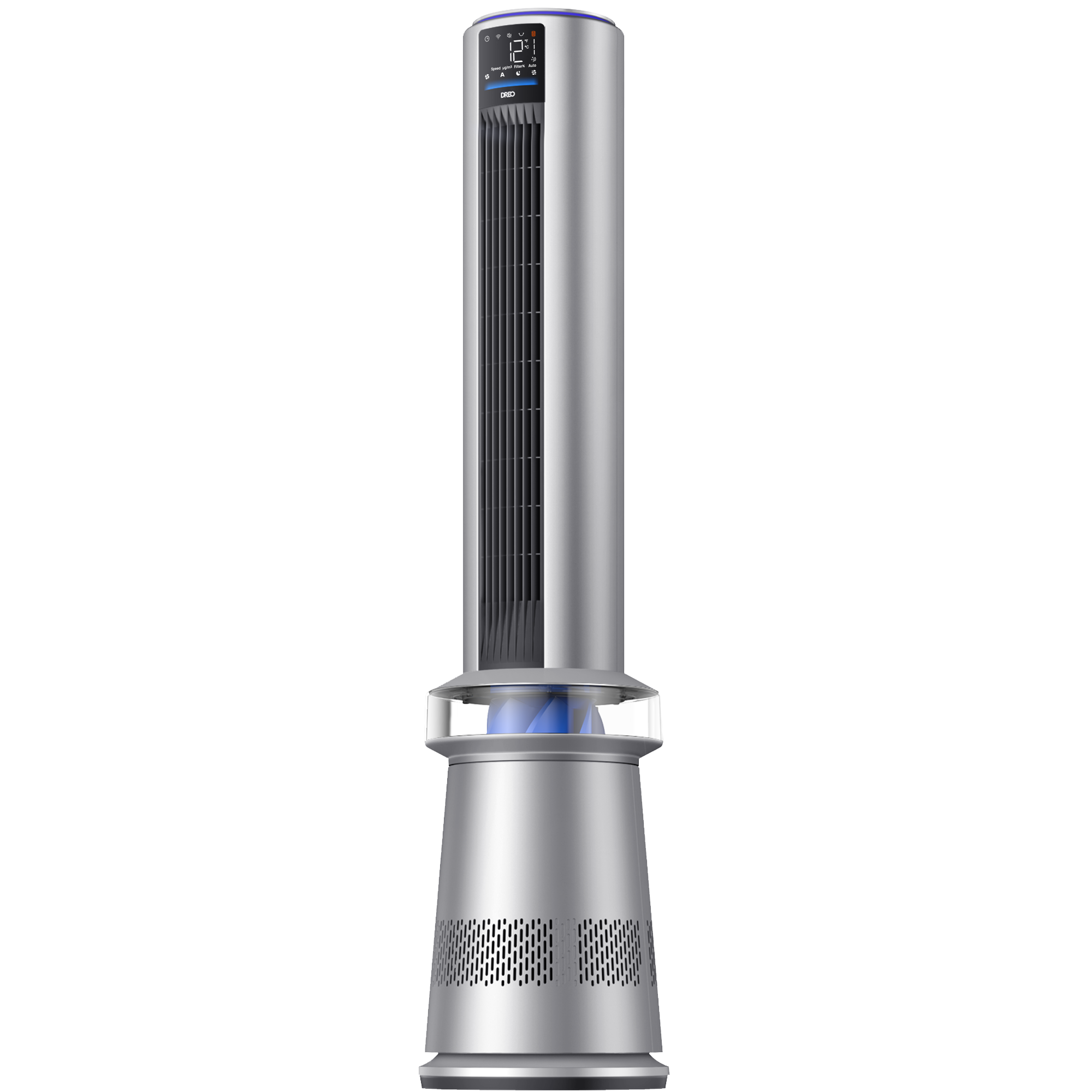
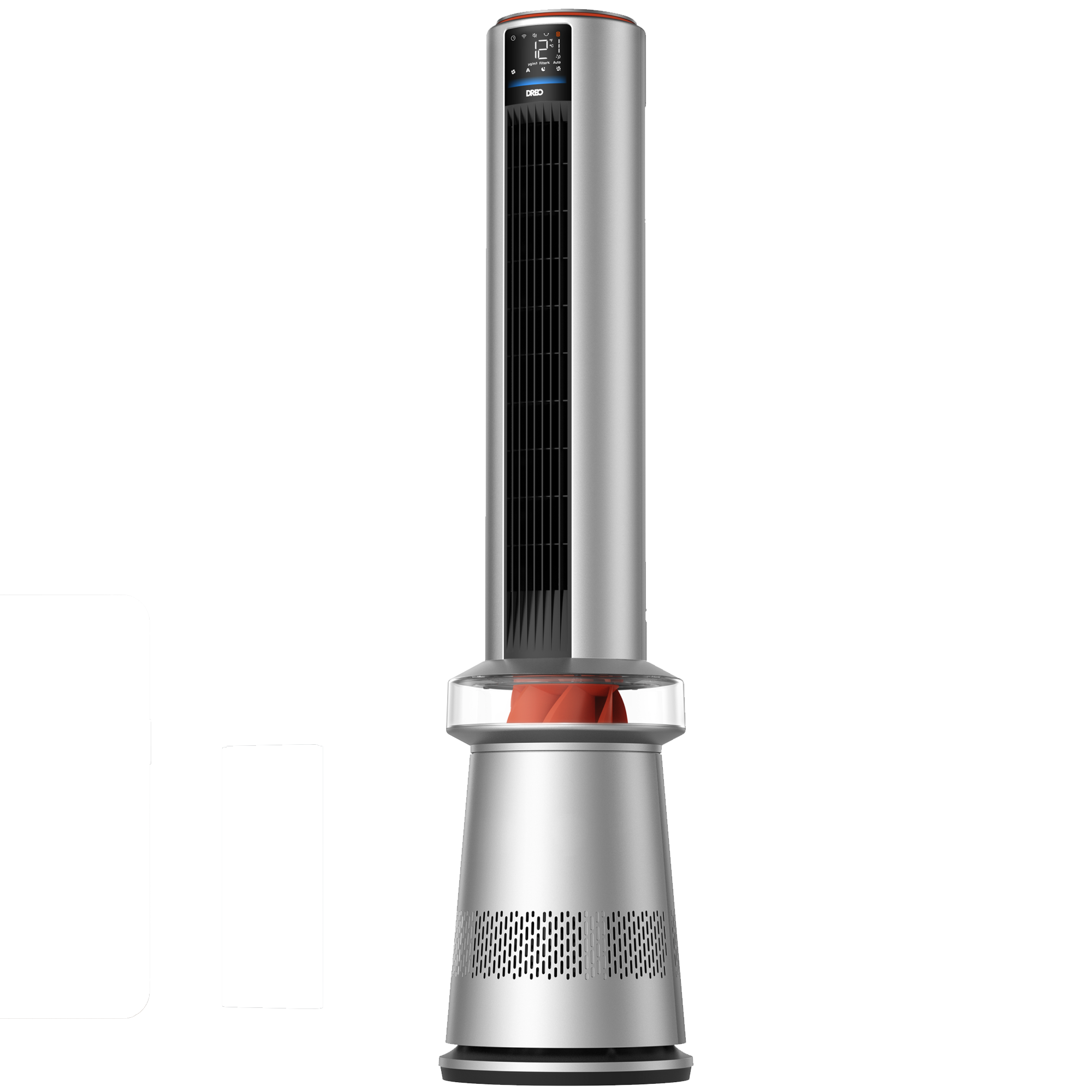
Air Purifier & Tower Fan 710S
Version
Version
Learn with video
How to clean the DREO MC710S Purifier Tower Fan
How to assemble the DREO MC710S Purifier Tower Fan

How to connect the Dreo MC710S Air Purifier Tower Fan
Documentation
- DR-HTF010S User Manual US2024-04-01
FAQ
Is it normal for the filter to indicate its lifespan is expiring quickly or not at all after a long time?
The lifespan of the filter depends on the duration of the purification mode being activated. If it's activated for a longer period, it'll deplete faster.Is it normal for the air purifier fan to become dirty after some use?
The purifier component of the device utilizes a HEPA filter, capable of capturing particles like hair, dust, and smoke. However, the rear filter of the fan is a pre-filter, which can capture larger pollutants such as animal hair but is unable to filter small particles of dust. Therefore, it's necessary to periodically replace the HEPA filter of the purifier and clean the fan filter and fan blades.
Note: The back plate of the tower fan can be removed.The air quality data often shows high readings
1. Confirm if outdoor pollution is high; consider closing doors and windows.
2. For larger rooms, increase the purification mode and run for a while.
3. Replace the HEPA filter and clean the impeller of the fan promptly; clean the small filter of the sensor.
4. Avoid placing the device in corners.
5. Ensure purification mode is activated.
6. Check if the HEPA filter is unpacked.
7. Place in a clean, small room, close doors and windows, and run on maximum purification mode overnight. If readings decrease, it's likely not an issue with the machine.Low air quality displayed
1. The air sensor detects only PM2.5 particles, such as hair, dust, and smoke particles, but cannot detect odors. Therefore, it's recommended to set the mode to the maximum.
2. Avoid placing the device in corners or near walls; ensure ample space around the purifier fan.
3. You can try creating air pollution around the sensor or tapping the sensor. Observe if there's any change in the PM2.5 readings. If there's a change, it indicates the machine is functioning properly.Discrepancy in Air Quality Readings Compared to Other Devices
1. Differences in placement can lead to deviations; variations in the distance from pollution sources and airflow patterns/speeds may result in inconsistent air quality data.
2. The machine itself may have inherent discrepancies; when PM2.5 is greater than 100μg/m³, the deviation is less than ±15%. When PM2.5 is less than 100μg/m³, the deviation is <15μg/m³.
3. Check if the HEPA filter needs replacement and try cleaning the impeller of the fan & pre-filter.Why is there significant noise?
1. Higher settings result in louder noise; you can reduce the fan speed or lower/close the purification mode.
2. Ensure the device has adequate space around it.
3. Check if the filter has been correctly unpacked.
4. If the fan or purification mode is set to auto, the fan motor speed adjusts with temperature changes, and the purification motor adjusts with air quality changes. If noise is caused by these adjustments, you can exit auto mode and select another mode.There's a strong odor in the room, but the sensor reading is low
The filters in the purifier section can only filter PM2.5 particles, such as hair, dust, and smoke particles, and cannot filter odors. It's advisable to increase the fan speed or open doors/windows for ventilation to dissipate the odor.The air purifier fan isn't functioning
1. Make sure the power is connected to the socket, the plug isn't damaged, and the socket has power.
2. The fan speed may be lower in auto and sleep modes; try increasing the speed.
3. Check if the packaging of the purifier filter has been removed.The screen is not lighting up
This device features a light-sensitive function, which automatically dims the screen in darker environments.