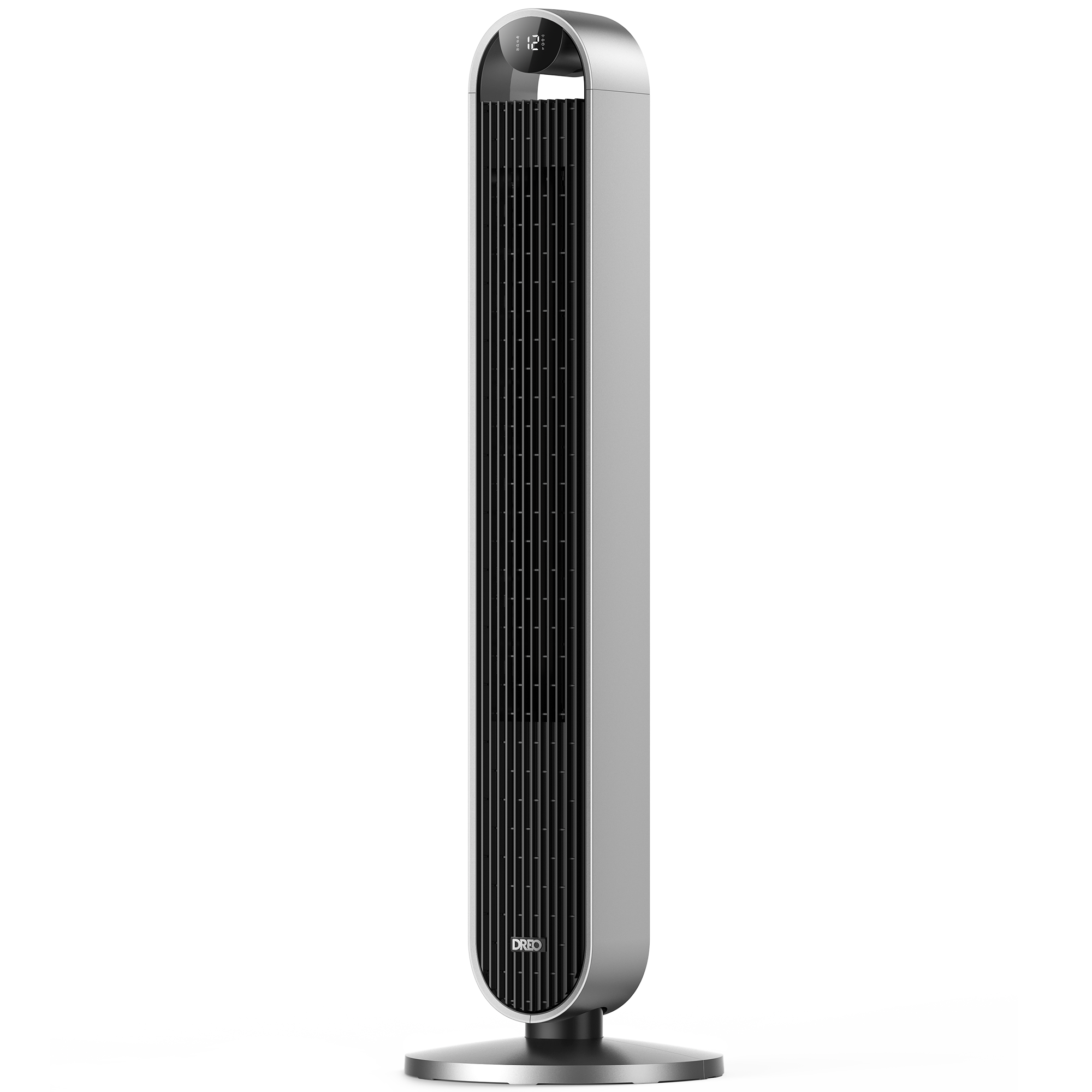
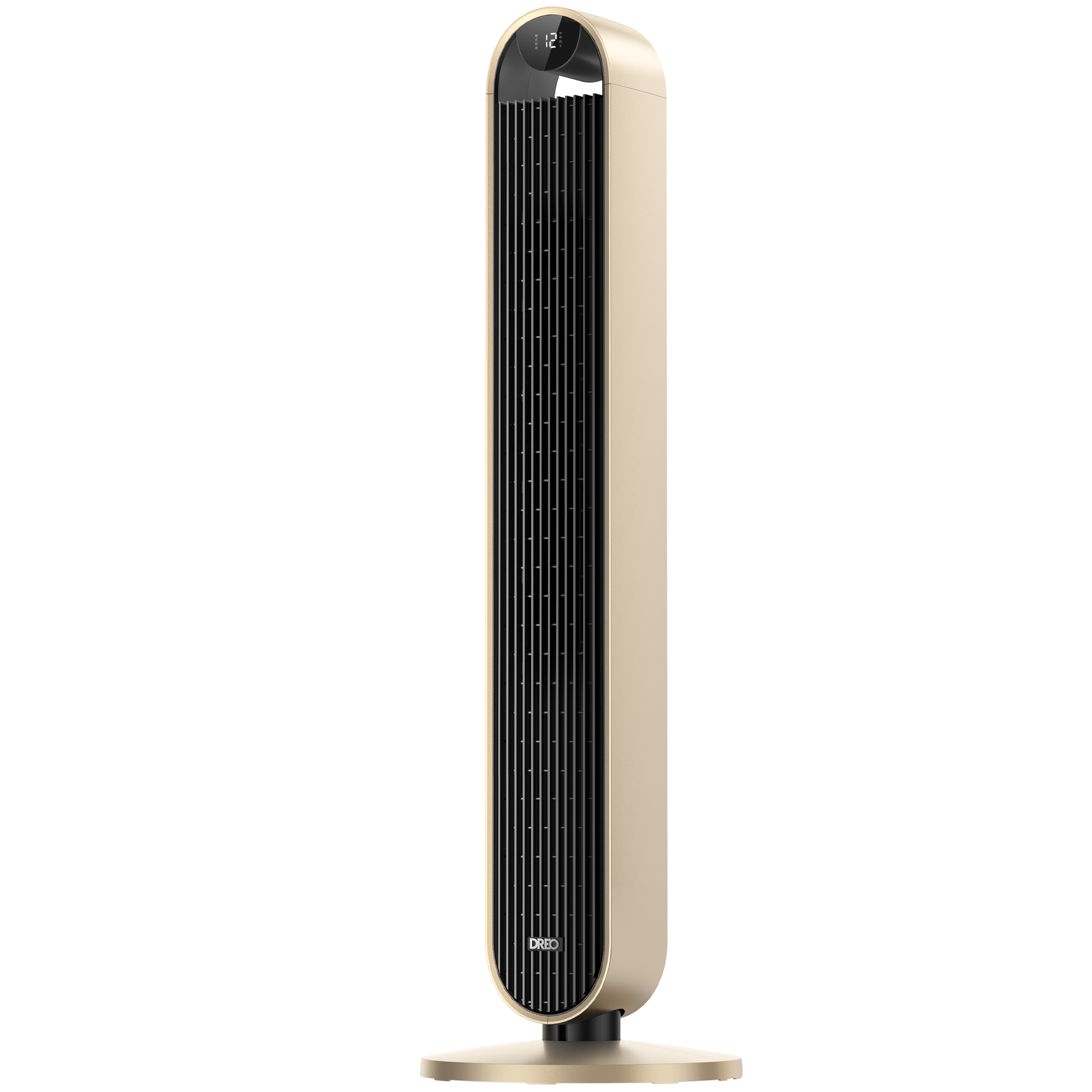
Tower Fan 714S
Version
Version
Learn with video

DR-HTF004S Assembling, Cleaning & Maintenance
How to connect the Pilot Max S to DREO APP
Documentation
- DR-HTF004S User Manual US2024-02-05
- DBTF04S User Manual US2024-02-05
- DTTF04S User Manual US2024-02-05
FAQ
Why can't the tower fan be turned on/off?
Please check if the indicator of the display is on, ensure that the voltage and frequency is the same as required in the user manual (US: 120V 60Hz) or test with another socket.
Then make sure if the power button on the control panel is abnormal by turning it on via the remote control.
Check if it can be turned on through the Dreo app.Why is there no air coming out?
Please re-plug the power adapter.
Then press the power button/remote control to power on.
We recommend you check the air inlet/outlet and see if there are any obstacles and abnormal deformations.Why is the remote not in the package?
1. Please check if you have opened the box from the correct side. (Indicated on the packaging)
2. The remote is packaged in white styrofoam.
3. Please contact support@dreo.com if there is really no remote control in the package.Why is the tower fan unable to connect with WiFi?
Please check that your WiFi is stable.
Please disconnect the WiFi with your tower fan to restart the network setup.Why is the tower fan not powerful?
Please switch the fan speed to a higher one.
Then switch to normal mode.
We recommend you clean the inlet grills and test the tower fan again.Why is the tower fan not quiet?
The noise level is about 35dB at the lowest speed. The higher the gear setting of the tower fan, the louder the noise will be. We recommend turning down the fan speed to see if the noise decreases. Otherwise, please try the following steps.
If you can, please take a short video and send it to support@dreo.com as soon as possible.
Please relocate the fan.
Then try to apply lubricant to the base if the noise only happens while the fan rotates.How can I mute the prompt sound?
After power on, choose the normal mode, press and hold the mode button for 3-5 seconds. Should mute the prompt sound.How does sleep mode work?
Usually, fan speed decreases every 30 minutes. Speed decreases by two levels at most and will remain constant if at level 1. The sound of the prompt will automatically turn off.Why are the buttons on the control panel not working?
Please test with the remote control.
If you can, please take a short video and send it to support@dreo.com as soon as possible.Why does the remote not work?
Please test by controlling the tower fan via the control panel.
Then replace the battery in the remote as instructed in the User Manual.
Note: Danger of explosion if the battery is replaced incorrectly. Replace only with the same or equivalent type.Why is the base flimsy/wobbly?
Check whether the floor is flat.
Check whether the base of the tower fan is well-placed. Foreign objects may affect stability.Why does the tower fan shut off randomly?
Please make sure if it is due to that the timer is on.
If you can, please take a short video and send it to support@dreo.com as soon as possible.Why is the OSC not working?
Please check if there is an OSC icon in the lower right corner of the screen to make sure if the OSC function is on.
Then check if the fan body is stuck or entangled by the cable.The screen is too bright. Can I turn it off?
The display adapts automatically based on the ambient lighting conditions.