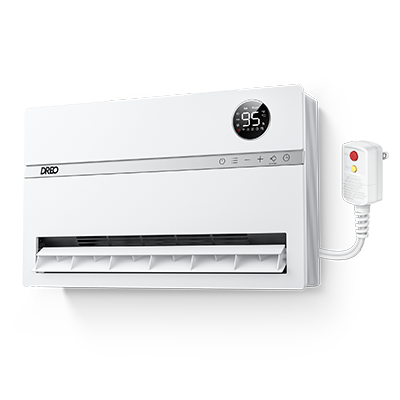
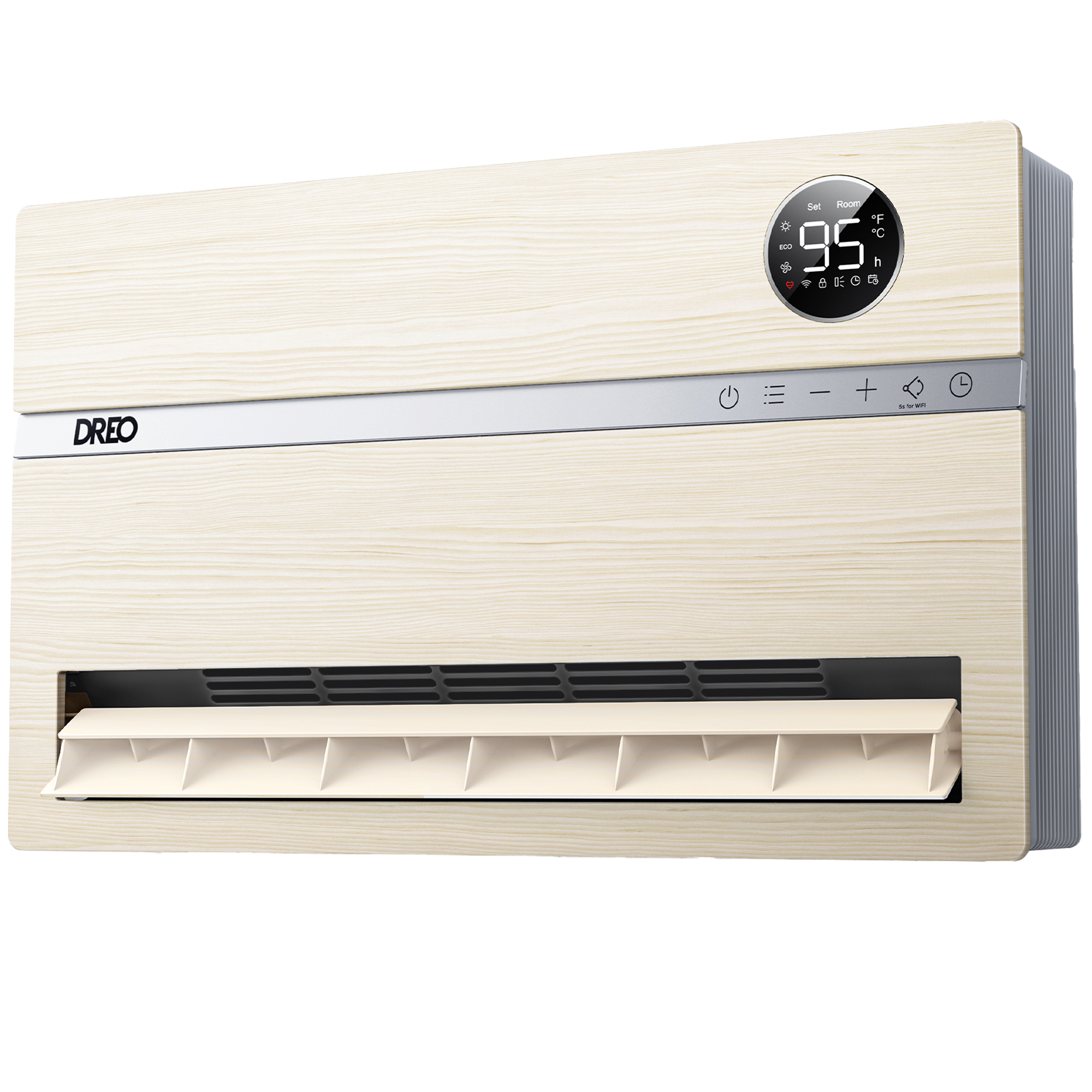
Wall-mounted Heater 739AS
Version
Version
Learn with video

Installation for Dreo Wall Heater WH719S
Documentation
- DR-HSH009AS User Manual US2024-02-05
- DR-HSH009AS User Manual CA2026-07-06
- DR-HSH009BS User Manual US2024-02-05
- DR-HSH009S User Manual US2024-02-05
FAQ
Why is the heater unable to connect to WiFi?
1. Please check that your WiFi is 2.4GHz and stable.
2. Set the Wi-Fi encryption method of the router to WPA2 or WPA reconnect.
3. Try to restart connection settings, and hold the Fan Angle button again for 5 seconds.
Note: Long press the 10-second power button to unpair WiFi and restore factory settings.Why is there no air coming out?
1. Re-plug the power cord or test it with another socket
2. Press the power button/remote control to power on
3. Check the air inlet/outlet and see if there are any obstacles and abnormal deformations.
4. Ensure that the temperature is set to be higher than the ambient temperature.Why is my heater not turning on?
1. Ensure that the voltage and frequency are the same as required in the user manual.
2. Check if the power button on the control panel is abnormal by turning it on/off via the remote control.
3. Check whether the LED light on the panel is on when plugged inWhy does the fan heat up so slowly?
1. In ECO mode, touch + to adjust the set temperature.
2. In Power Heat mode, touch + to adjust the heating level.
3. Ensure keeping the doors and windows closed.
4. Clean the top filter.Why is my heater generating so much noise?
The higher the gear setting of the space heater, the louder the noise will be. We recommend turning down the unit speed to see if the noise will be reduced. Please also try the following steps
1. Take a short video for us to confirm if it is abnormal
2. Check if the filter was assembled well.Why are the buttons on the control panel not working? Why is my remote not working?
Control panel
1. Deactivate Child Lock
2. Test with remote control.
3. Take a short video of this issue and contact the customer support team.
Remote
1. Test by controlling the space heater via the control panel.
2. Replace the battery in the remote as instructed in the User Manual.
Note: Danger of explosion if the battery is incorrectly replaced. Replace only with the same or equivalent type.Why does my heater shut off randomly?
1. Check if it is due to the timer being on.
2. When the set temperature is reached in ECO Mode, the heater will stop working, and come back on when the ambient temperature is lower than the set temperature.
3. When the fin is working abnormally, the appliance will stop heating to avoid risks of fire. Please unplug it and wait for it to cool down before plugging it in again.Why is the OSC function not working?
1. Make sure the Oscillation Function has been activated.
2. Change the air blowing angle from 120/90/60/Oscillation via remote or control panel. The LED Display indicates the angle of the fan angle accordingly.Why is the appliance so hot?
This heater is hot when in use. To avoid burns, do not let bare skin touch hot surfaces. Keep combustible materials, such as furniture, pillows, bedding, papers, clothes, etc. And curtains are at least 3 feet (0.9m) from the front of the heater and keep them away from the sidesThere is an odor coming out of the heater, what can I do?
For brand-new machines, there will be a slight odor. It is recommended that customers use it with ventilation for the first few uses to dissipate the odor.What can I do if the heater is tripping during use?
1. The power exceeds the home circuit load. Please unplug other high-power appliances and try again
2. If it is tripping due to a product short circuit, contact Customer Support.Why does the heater display the PP code?
1. If you purchase the heater DR-HSH009BS_FortPlug™, this model unit is equipped with Dreo's FortPlug™ restorable overheat protection to prevent fire accidents. When activated, the screen will show PP and the power indicator will start flashing.
2. Please unplug the heater and make sure that:
- The current is greater than 15A.
- The socket is not loose or has aged.
- The outlet is not shared with other appliances.
- The heater is not plugged through an extension cord.
- The plug is not bent or damaged.
- The power cord is not tied or pressed by other objects.
3. The machine will be operational after power is restored to normal.What does the error code of F1 mean?
Outlet Fin Protection Error
Solution: Wait until the heater cools down to restart it. Make sure the outlet fin is working properly.
If the problem persists, contact Customer Support.What does the error code of F2 mean?
Overheat Protection
Solution: Unplug and wait for it to cool down before plugging in again.What does the error code of BF mean?
Outlet Fin Deviation
Solution: Make sure there are no objects obstructing the outlet fin, and re-start the appliance.
Do not manually adjust the outlet fin angle. If the problem persists, contact Customer Support.What should I do if the display shows an error code of E0?
Unplug it from the power source and contact Customer Support.What should I do if the display shows an error code of E1?
Unplug it from the power source and contact Customer Support.Where can I get a replacement heater or accessories?
Please contact our Customer support at 1-888-520-3736 or email: Support@dreo.com